Overview
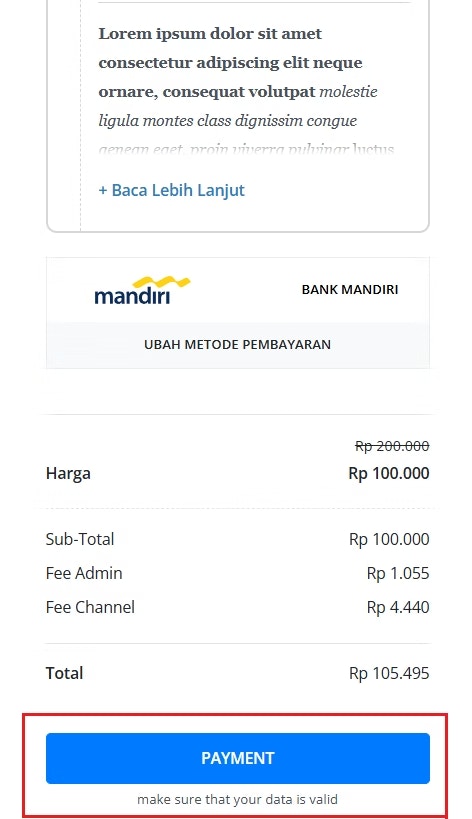
The Checkout Setting feature on Mayar allows sellers to edit the Checkout Page based on Requirements. With this feature, you can set wording for the checkout button, add terms and conditions, add a final note, etc.How to access the Checkout Settings?
Follow these simple steps to access the Checkout Settings in Mayar:1
Choose a Product
Choose one of the products on the list.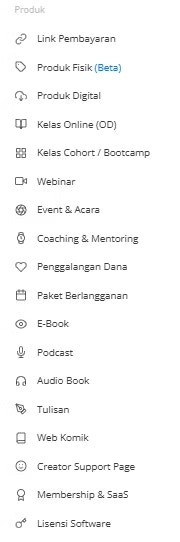
2
Select "View"
Select “View” from the product hyperlink.
3
Select Checkout Setting Menu
Select the Checkout Setting menu list on the right side of the menu bar.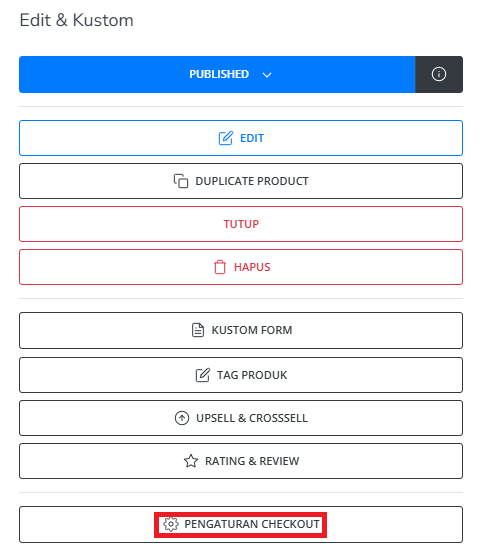
4
Fill in Checkout Setting Form
You will see the “Checkout Setting” form. Fill in the required details, including: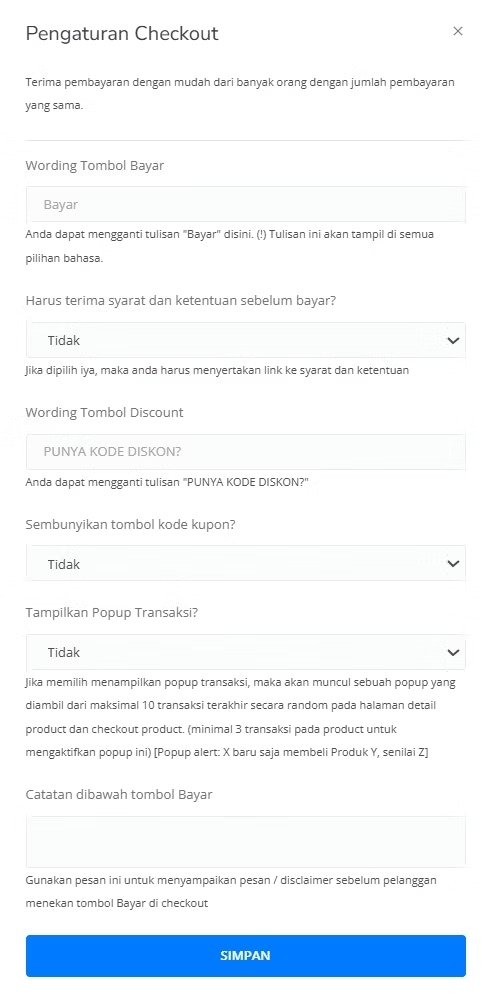
5
Save the Form
After completing the “Checkout Setting” form, you’ll be redirected to the product page. Congratulations! You’ve successfully created the Checkout Setting.
6
View Customization
You can see that the form has already been changed with your customization.