Overview
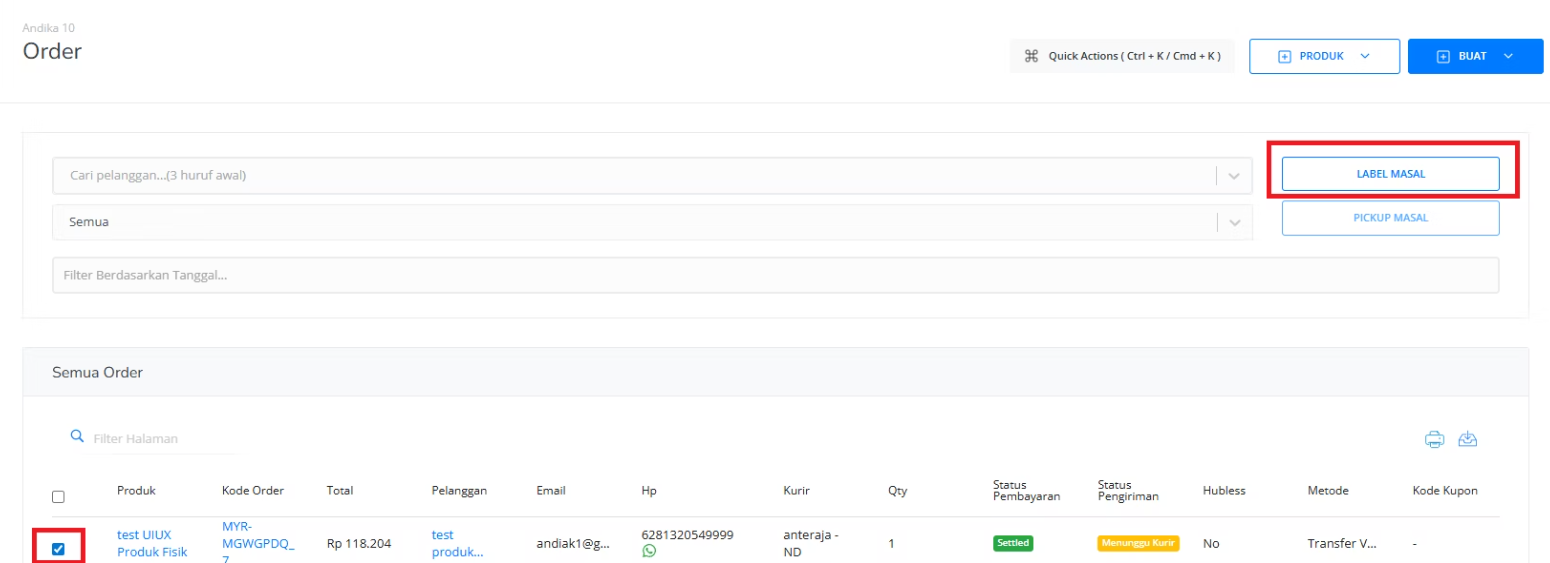
This is the main page if you’re selling a physical product. You can download and print a shipping label, request package pickup, and track the shipment on this page. Mayar’s package pickup service and shipping are powered by KiriminAja.How to manage orders on the Order Page?
Follow these simple steps to do an action Order Page in Mayar:1
Choose an Order
Choose Order from the list.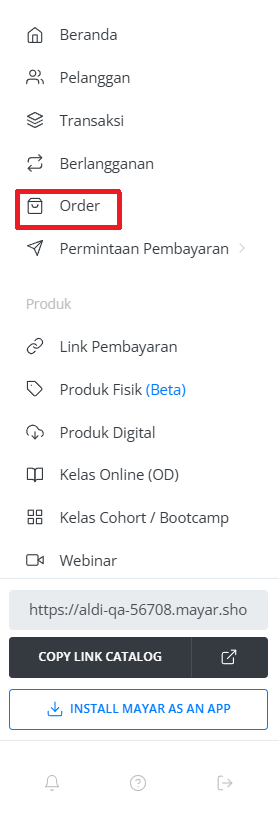
2
Select "View"
Select “View” from the product hyperlink.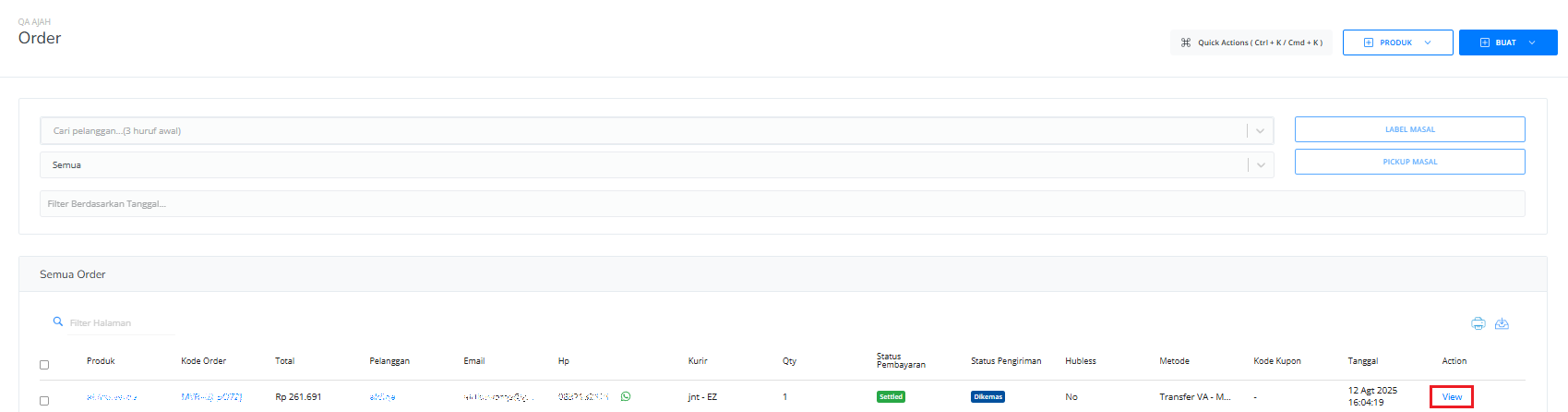
3
Select Action
Select the Action to do on the List on the right side menu bar.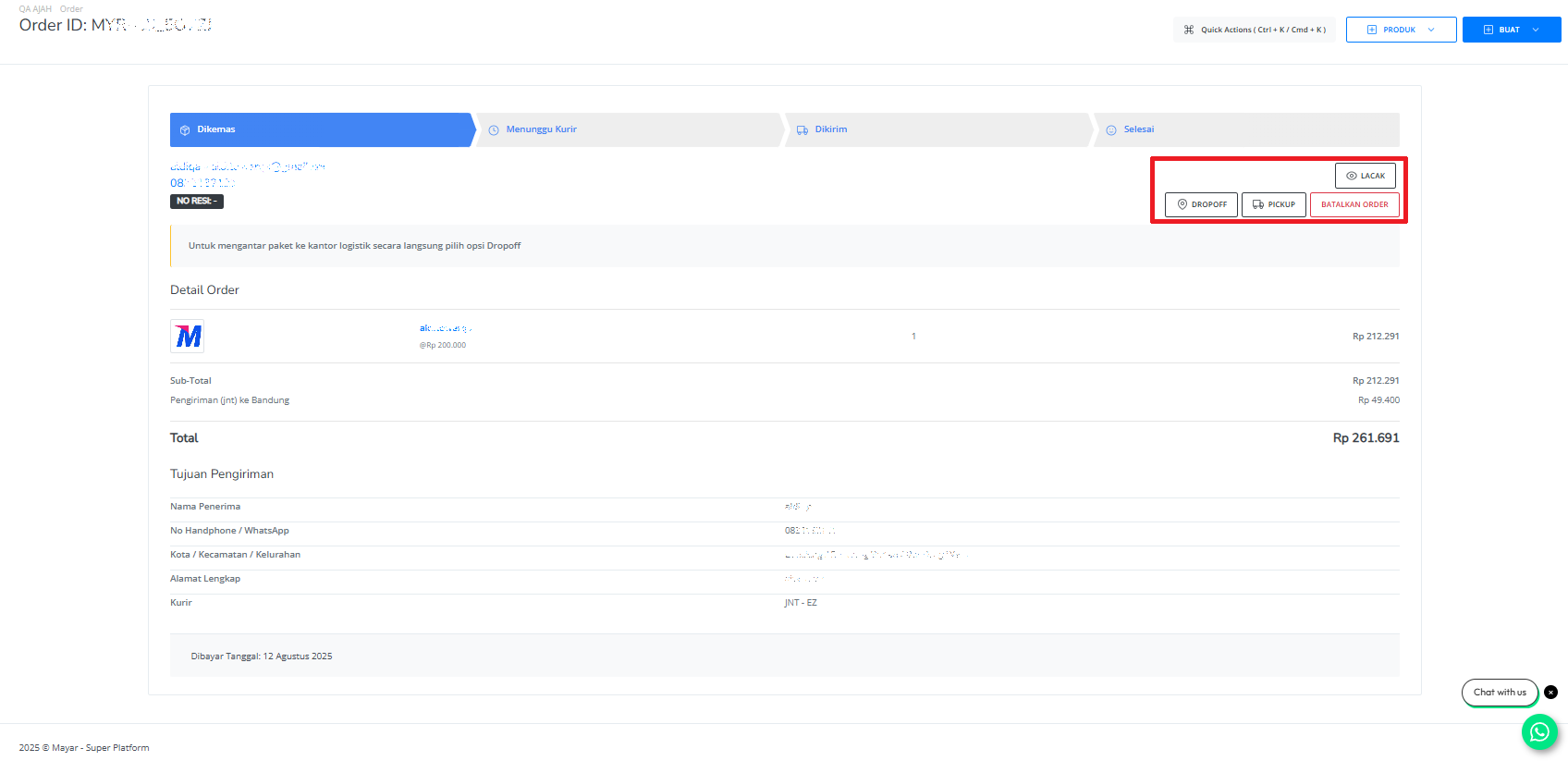
4
Tracking
Track the detailed status of the Order from the Courier Pickup Order until the courier delivers your Order.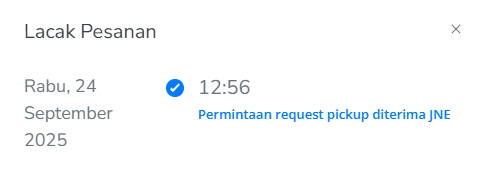
5
Drop Off
Drop your package at the nearest shipping service provider available in your area.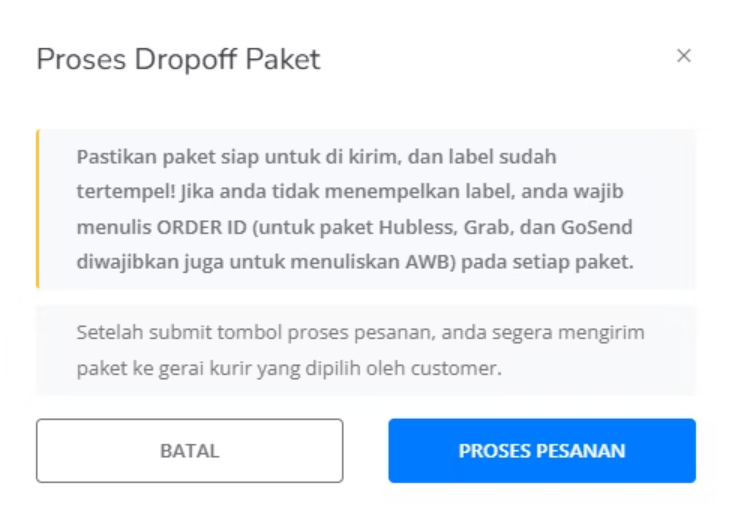
Make sure that the package already has the attached Label & Order code.
6
Pick Up
Request a pick-up of your order by Courier from the Shipping Service that is available in your area.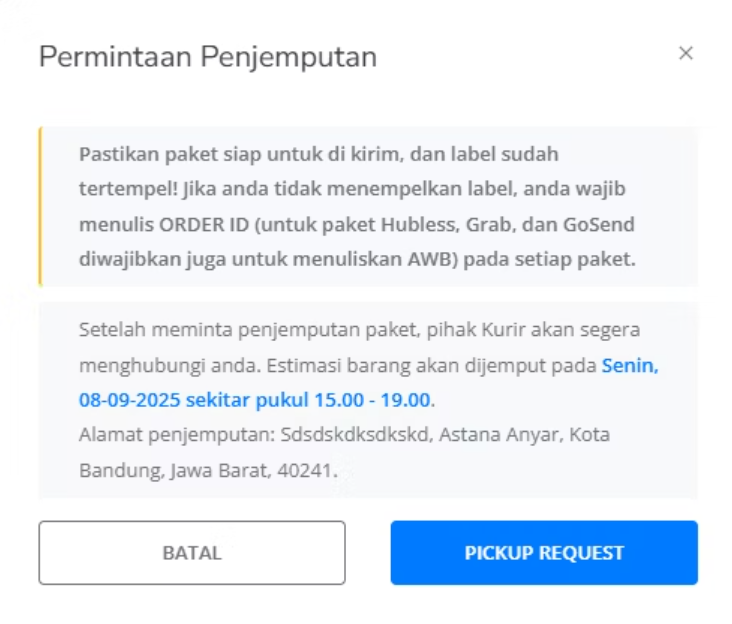
Make sure that the package already has the attached Label & Order code.
7
Cancel Order
Cancel your shipment and pickup order.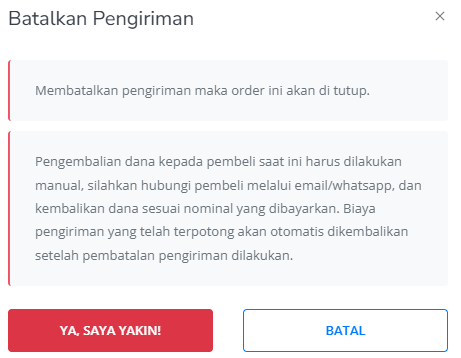
8
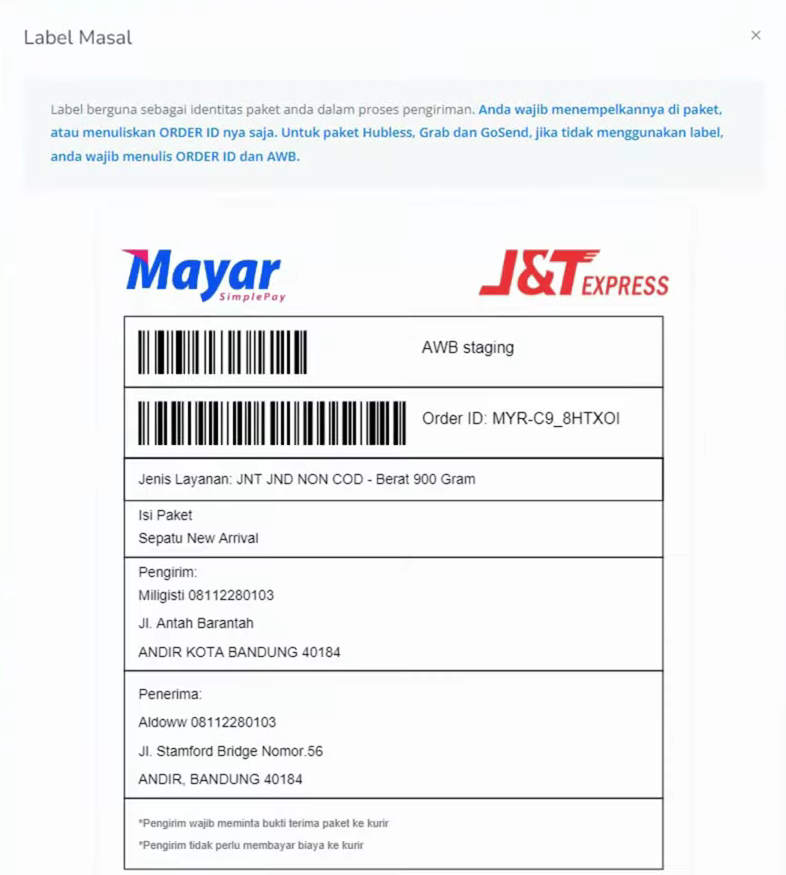
Label Product
Print your physical product label and attach it to the package to be shipped.