Overview
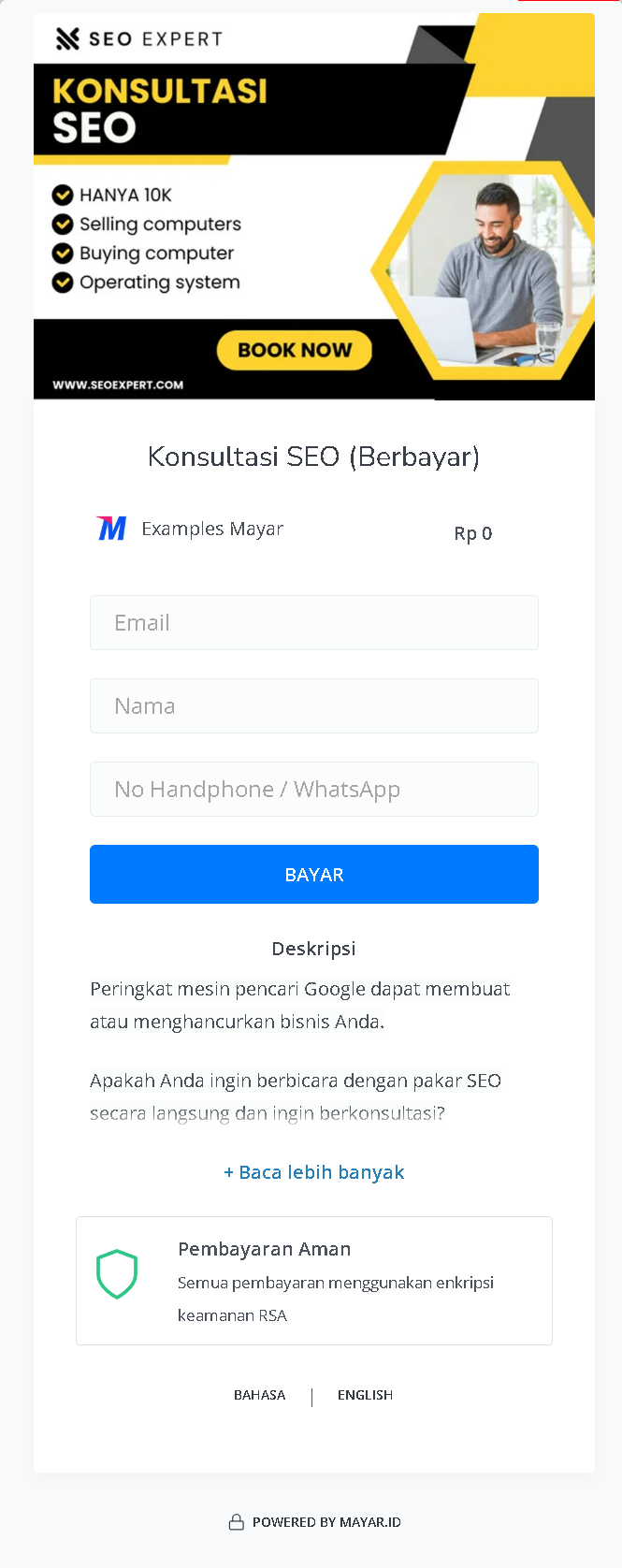
Mayar Coaching & Mentoring is a dynamic online course platform that facilitates personalized one-on-one sessions across a diverse range of topics, making expert guidance more accessible to learners. This platform is designed to connect individuals with seasoned mentors, providing tailored coaching experiences that cater to specific learning and professional development needs. With Mayar Coaching & Mentoring, users can effortlessly create and manage personalized mentoring sessions using the intuitive Mayar Web Apps. These applications offer robust tools for scheduling, content delivery, and interaction, ensuring that both mentors and mentees have a seamless and productive experience. The platform supports a variety of topics, allowing learners to engage with experts in fields that align with their personal and professional goals. This documentation is dedicated to guiding users through the process of creating and customizing payment links via the Mayar Dashboard. By utilizing these tools, mentors can efficiently manage session bookings, process payments, and track financial transactions. The Mayar Dashboard offers extensive customization options, enabling mentors to tailor the payment process to suit their specific services and client needs. Through this comprehensive approach, Mayar Coaching & Mentoring empowers mentors to deliver impactful, personalized learning experiences while streamlining administrative tasks for maximum efficiency.Navigate to Coaching & Mentoring
1
Log in to your Mayar Dashboard
Make sure you are logged into your account and on the main Dashboard Page. This is where you will start with the Coaching & Mentoring.
2
From the Sidebar menu, click on Coaching & Mentoring
On the Dashboard page, find and click Coaching & Mentoring Menu. This will show all of the Coaching & Mentoring lists that you have created before.
Create Coaching & Mentoring
1
Go to Dashboard
Make sure you are logged into your Mayar account and on the main Dashboard page.
2
Access the Product Menu
Click the “Product” button at the top right near the “Create” button. This will take you to the product menu.
3
Choose Product Type
Select the “Coaching & Mentoring” option to start creating your Writing product. The “Create Coaching & Mentoring” window will open.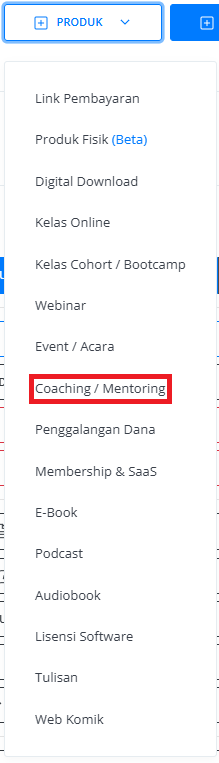
4
Fill in Product Details
Enter the following information: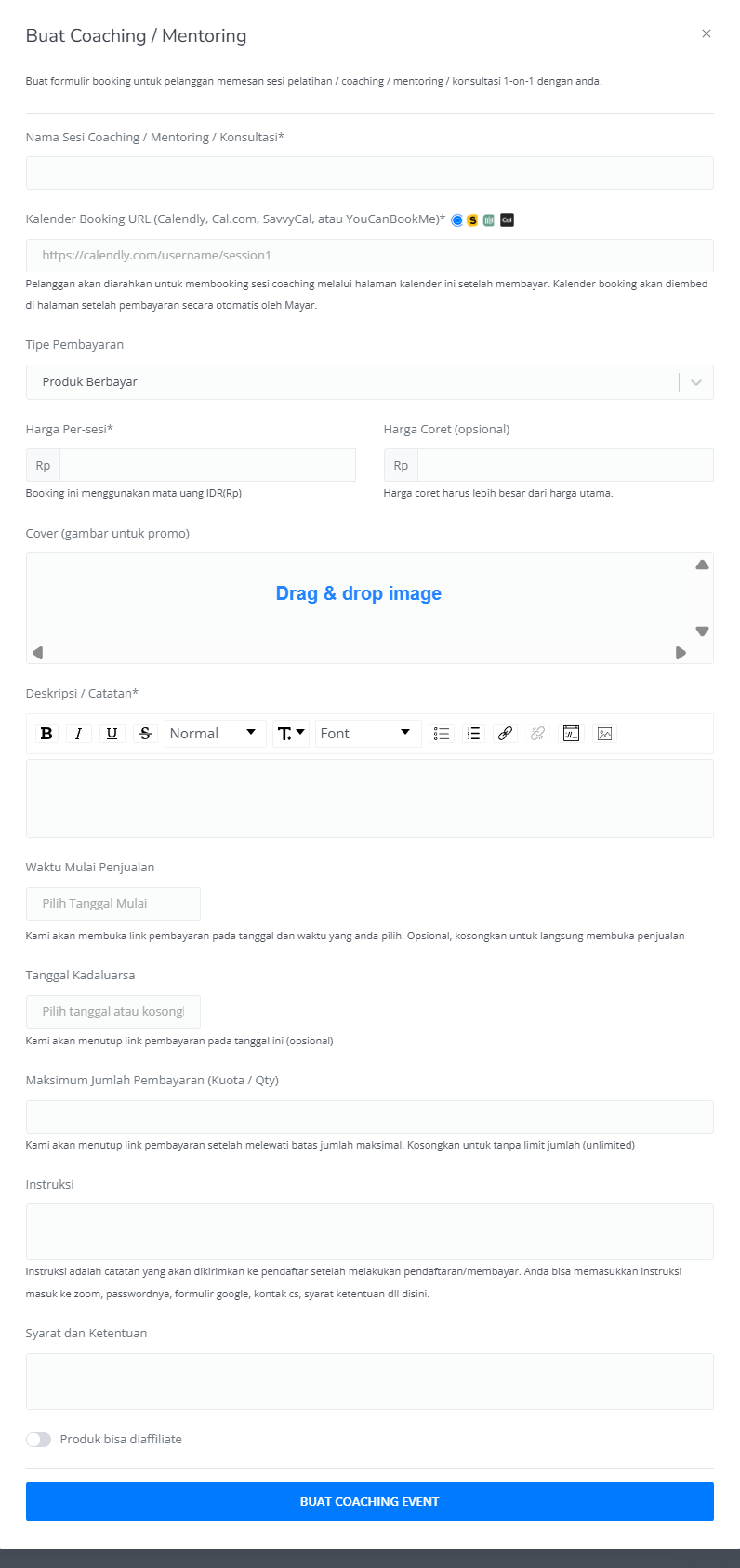
5
Review and Finish
After filling in all the information, review the product details to ensure everything is correct. On the product detail page, you will see the following: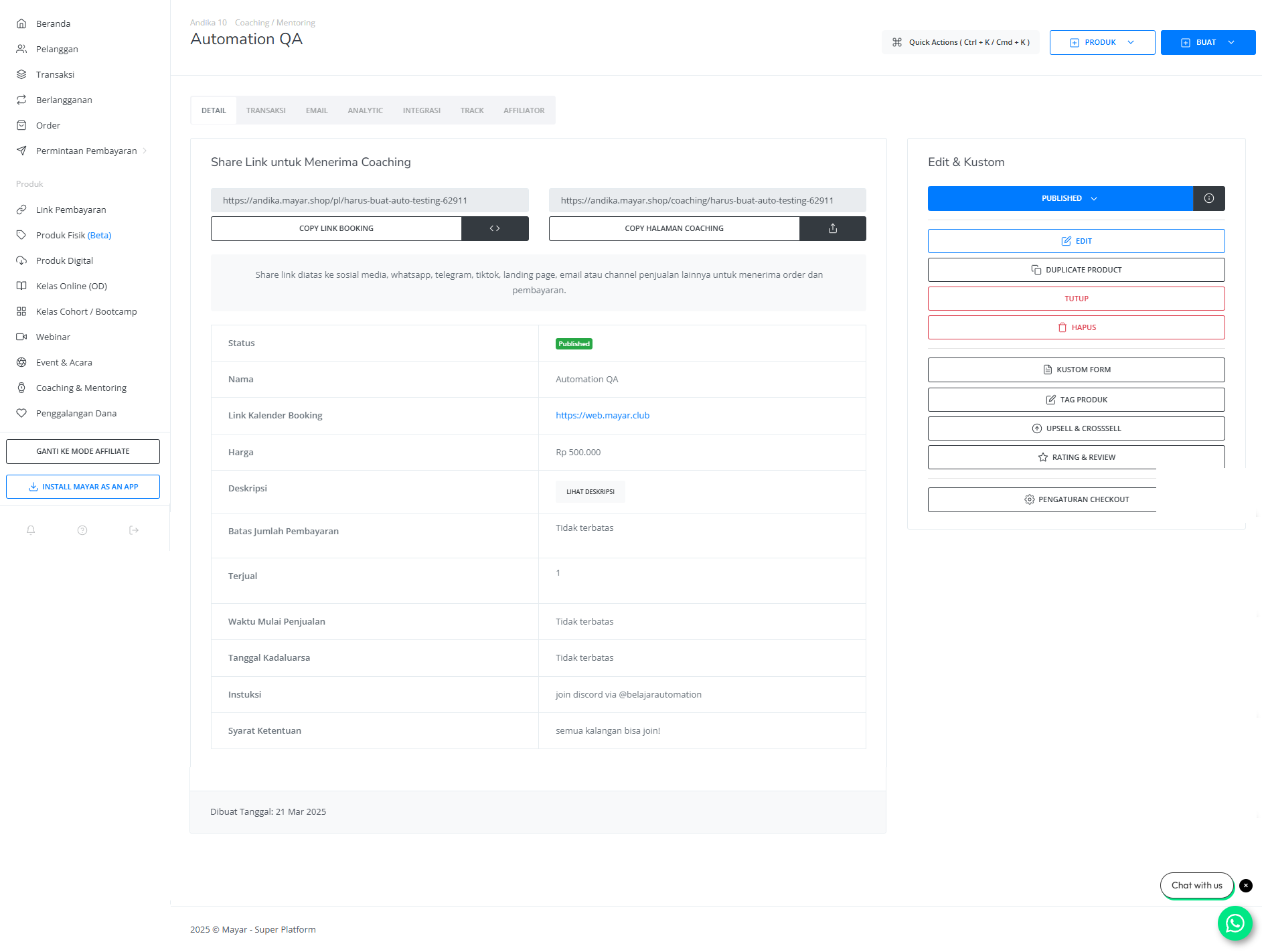
How to Access the Product Page and Checkout
1
Access Product Page
You can access the product page through the link provided in the product details.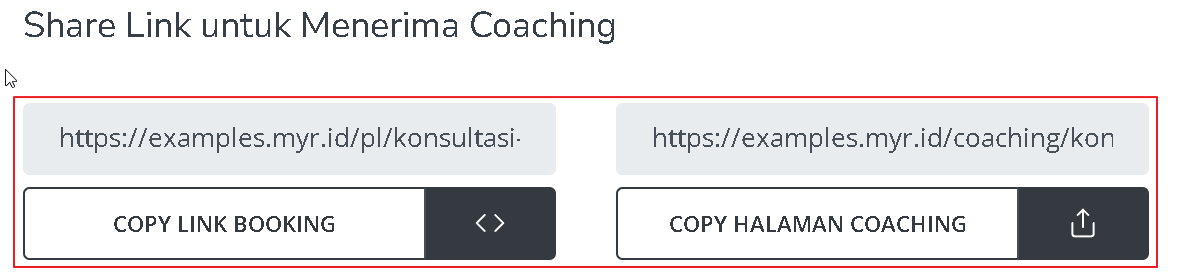
2
Copy Product Page Link
You can also access the product page by copying the product page link.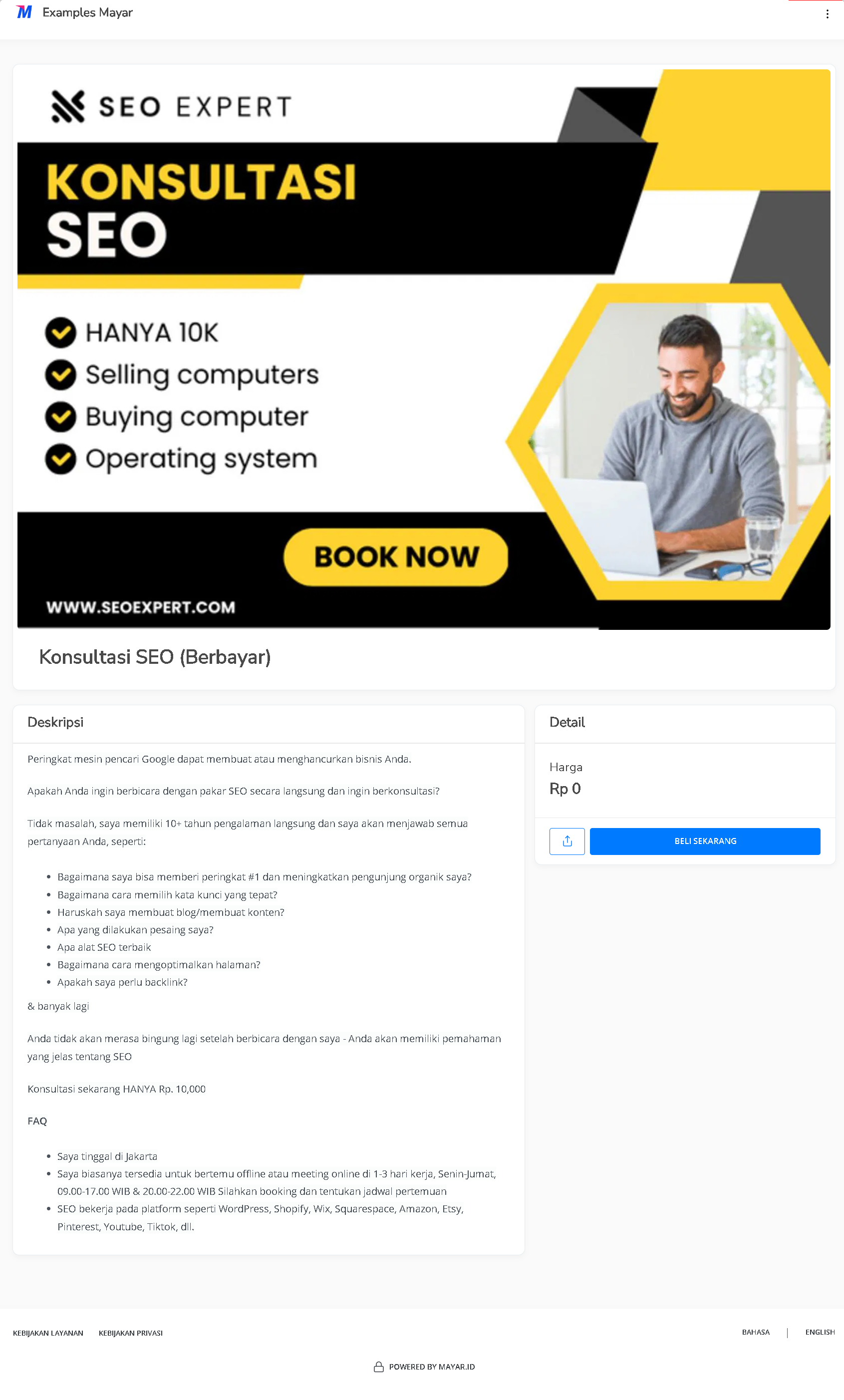
3
Access Checkout Page
To access the checkout page, you can copy the payment link.