Overview
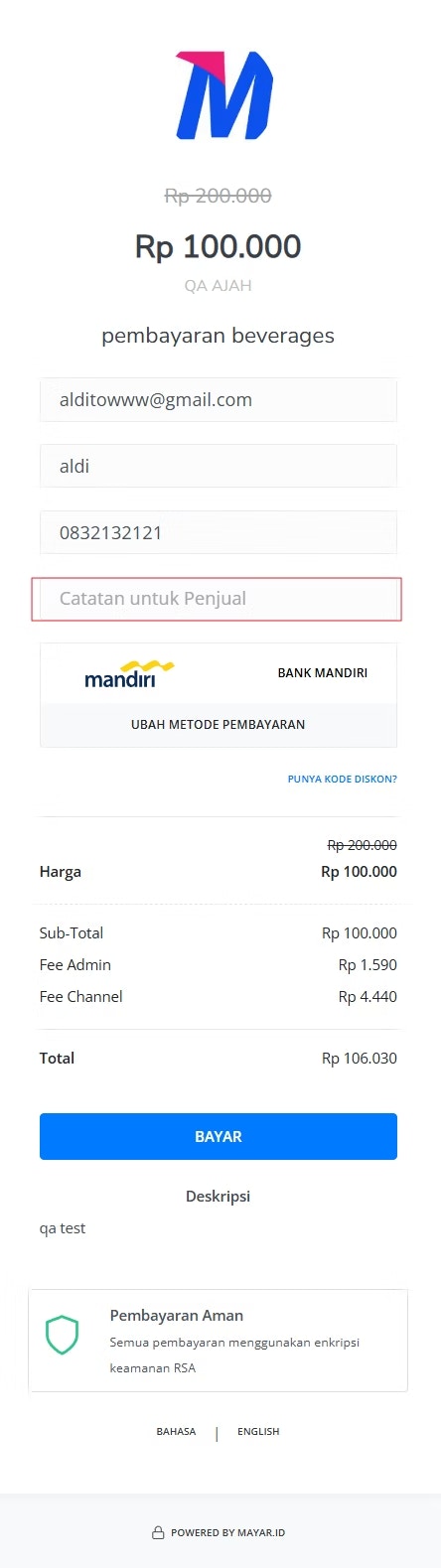
The Custom Form feature on Mayar allows sellers to customize the Payment Form for their products or services at checkout. With this feature, sellers can easily create a comprehensive template based on their specific requirements. Custom Forms can also be configured for certain product types, making it easier to manage and control which options to add.How to Create a Custom Form?
Follow these simple steps to create a Custom Form in Mayar:1
Choose a Product
Choose a product from the list.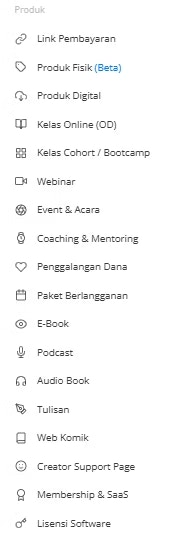
2
Click “View”
Click “View” on the product hyperlink.
3
Select Custom Form Option
From the right-side menu bar, select the Custom Form option.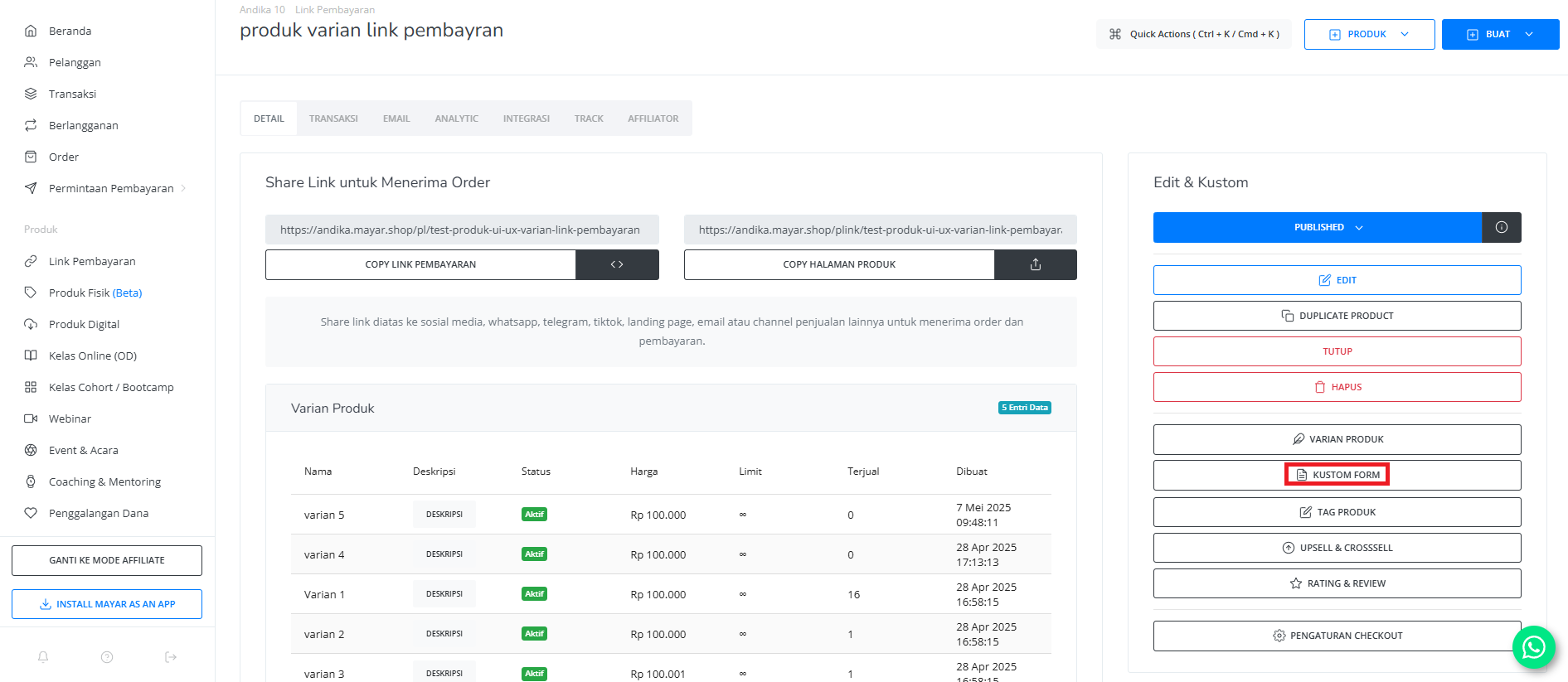
4
Fill in Custom Form Page
The Custom Form page will appear. Fill in the required details and create your custom input.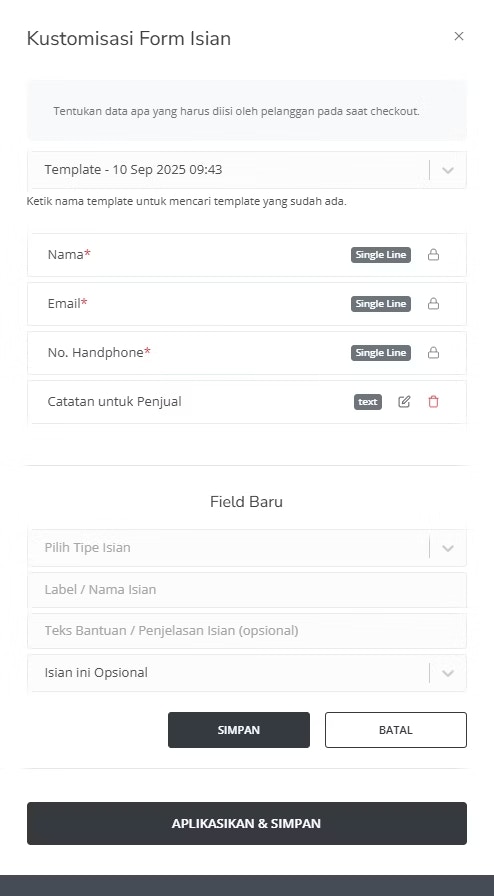
5
Save the Form
Once you’ve completed the form, click the Save button. You’ll be redirected back to the product page. Congratulations — your Custom Form has been successfully created!
6
Access Custom Form
You can access your Custom Form directly through your product link.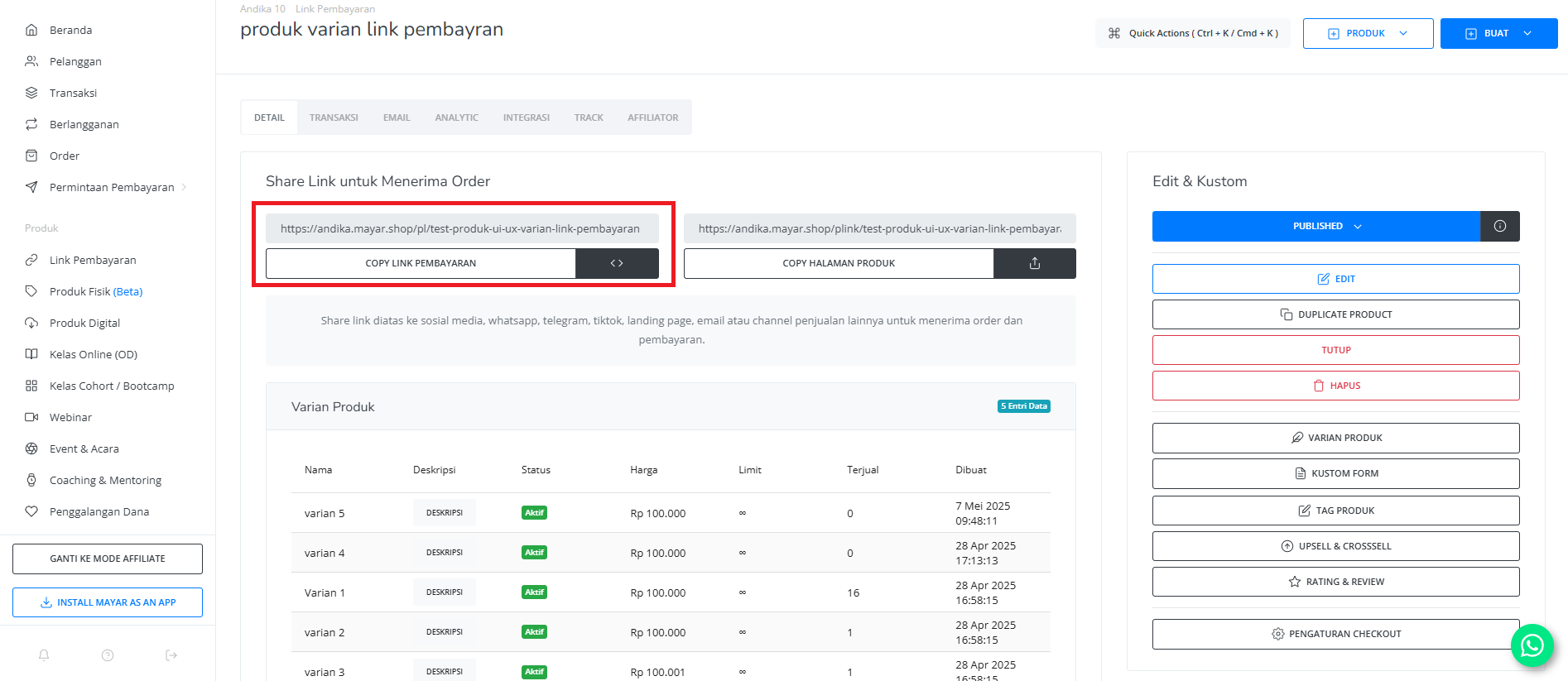
7
Custom Form Ready
Your Custom Form is now applied and ready to use.