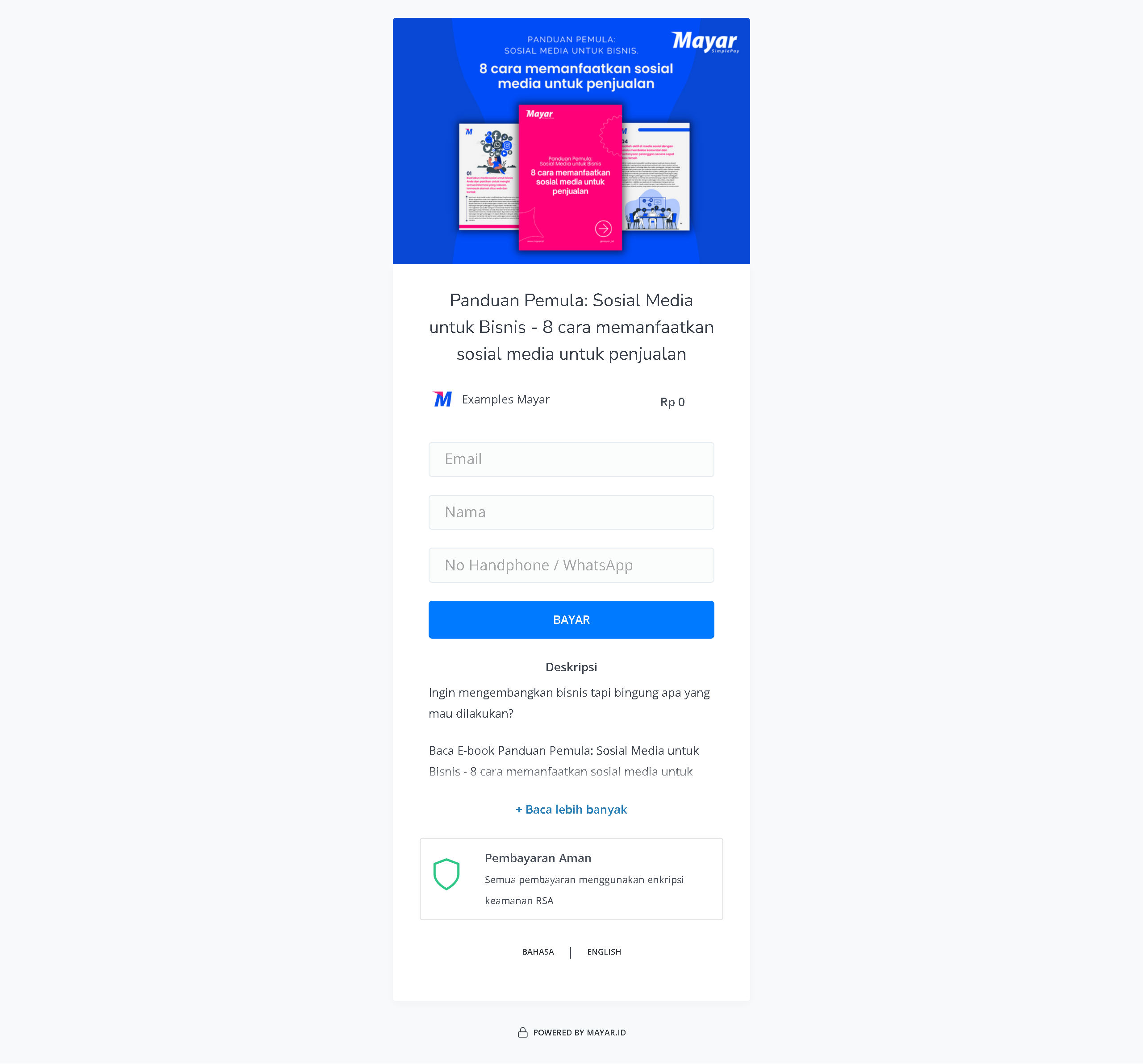
Overview
The E-Book product on Mayar offers advanced features designed to enhance your reading experience. With a user-friendly interface, you can easily browse through a wide collection of digital books. The quick search feature helps you find your favorite titles or authors in seconds. You can adjust the font size and style for comfortable reading, and use the bookmark feature to save important pages. Multi-platform support allows you to read on different devices without losing your last read position. You can also enjoy the notes and highlight features, making it easy to capture important ideas. All these features are designed to give you a more personal and enjoyable reading experience.Creating an Ebook Product
1
Log in to Dashboard
First, log in to your Mayar Dashboard. Make sure you are signed in to your account and on the main Dashboard page. Here, you will start the process of creating an E-Book product.
2
Access Product Menu
On the Dashboard page, find and click the “Product” button located at the top right corner, next to the “Create” button. This will take you to the product menu, where you can select the type of product you want to create.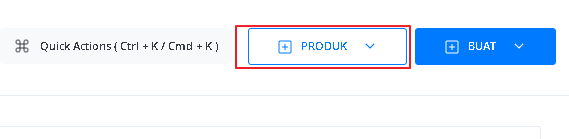
3
Select Ebook Option
From the product menu, choose the “Ebook” option to start creating your Ebook product. This will open a new window titled “Create Ebook”, where you’ll be asked to fill in details about your product.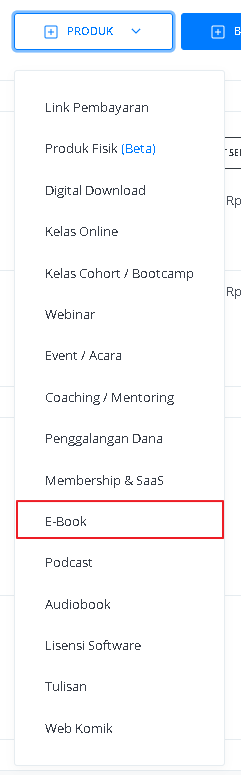
4
Fill in Product Details
In the “Create E-Book” window, you’ll need to fill in the product details such as: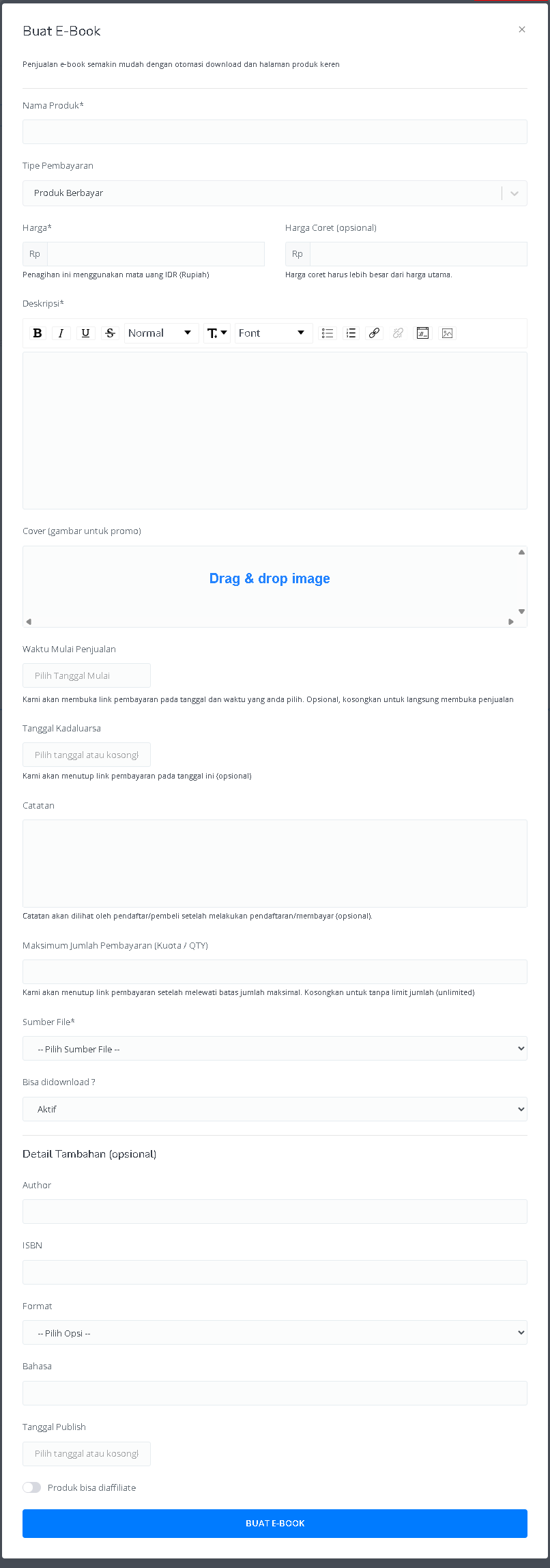
5
View Product Details Page
After filling in all the information and successfully creating the E-Book product, you will be directed to the Product Details page. Here, you can see all the information you entered, such as: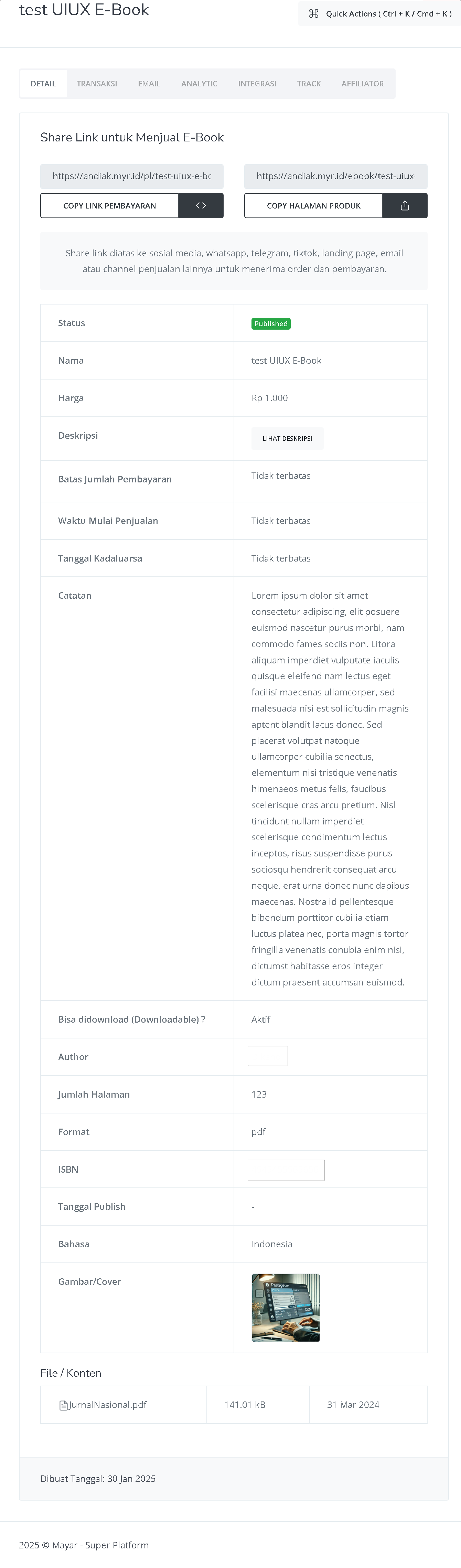
6
Congratulations
Congratulations, you have successfully created an E-Book product in Mayar!
How to Access the Product Page and Checkout
1
Access Product Page
You can access the product page through the link provided in the product details.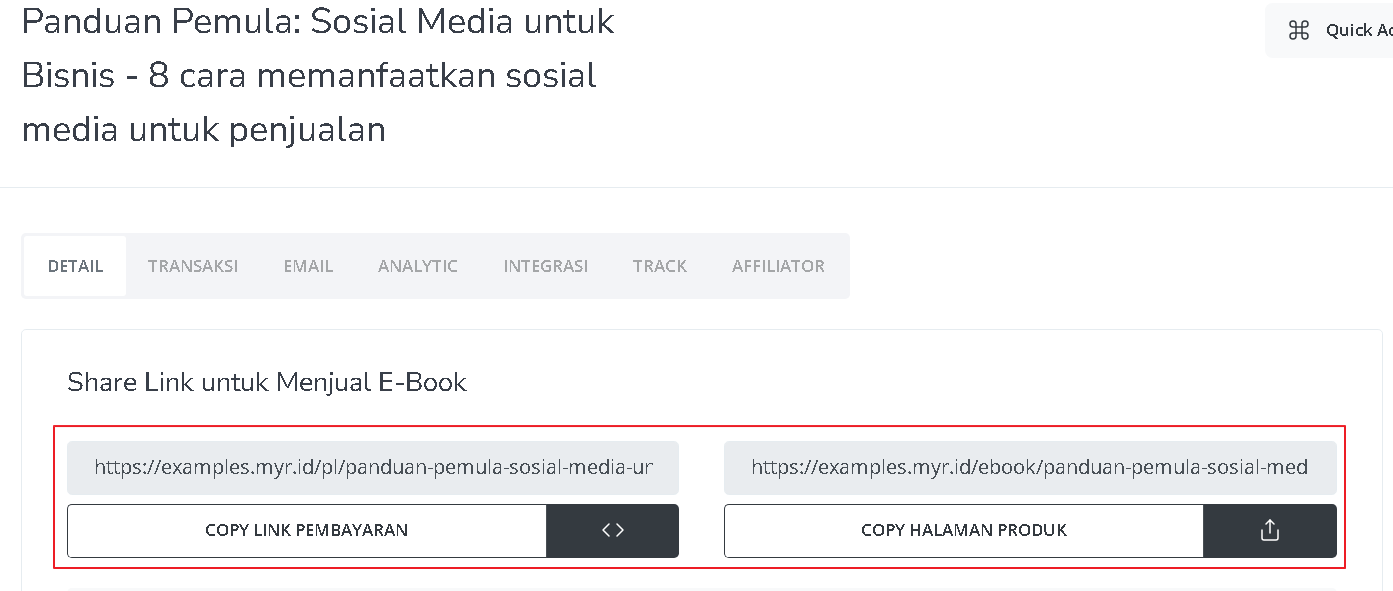
2
Copy Product Page Link
You can also access the product page by copying the product page link.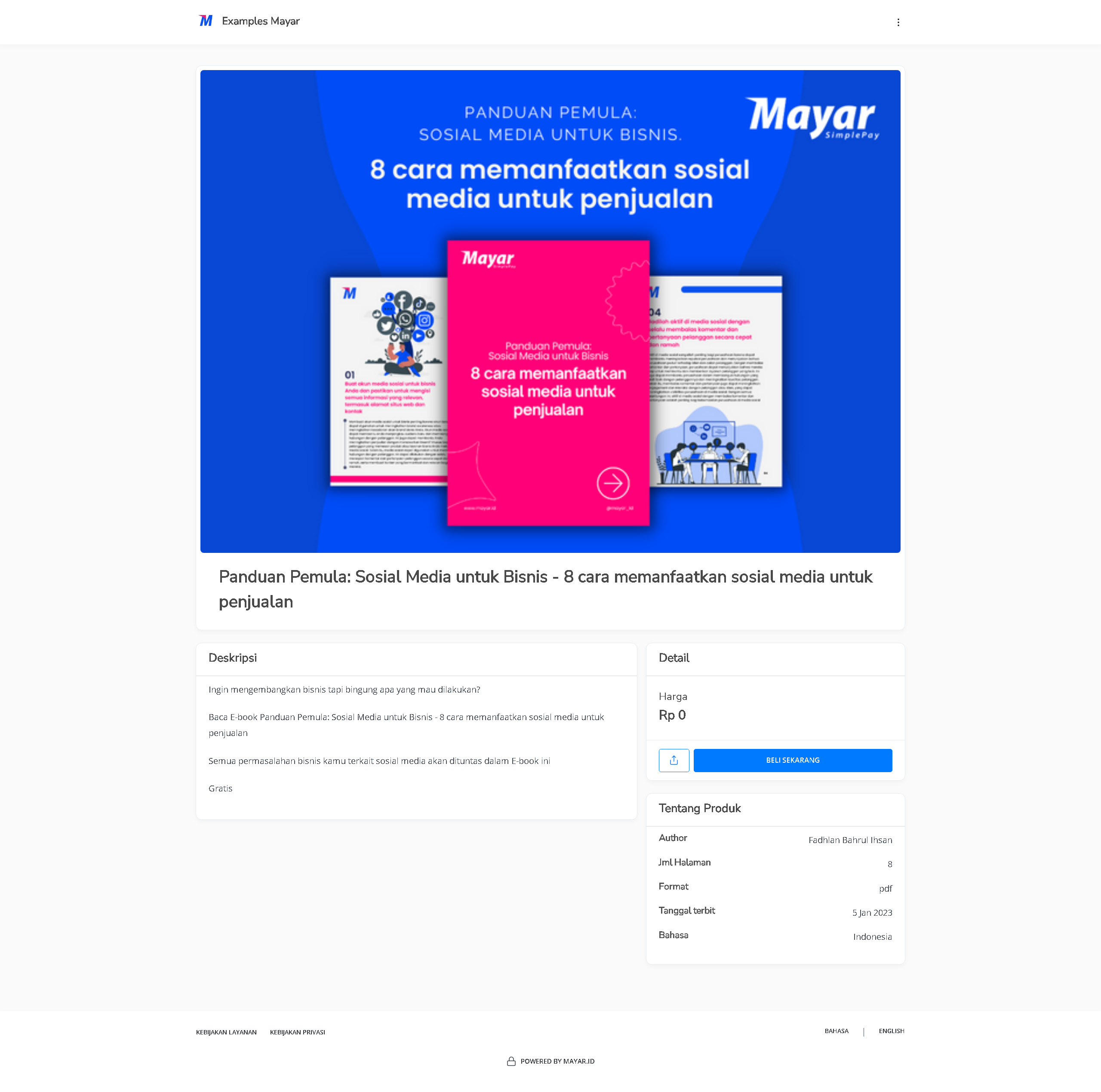
3
Access Checkout Page
To access the checkout page, you can copy the payment link.